
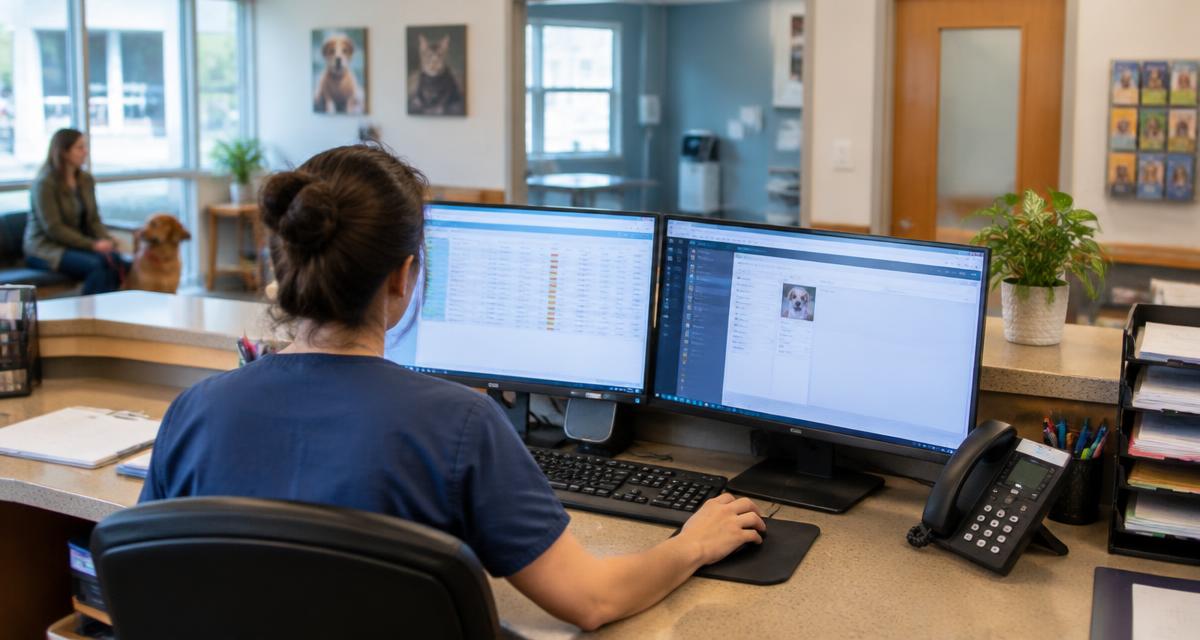
Most of the friction in teleradiology is not clinical. It is the handling: downloading a report, finding the right patient, attaching it to the right place, and hoping the next person looks in the same folder.
Each of those steps is small. Together they form a silent tax on every study, paid in minutes and paid again whenever someone looks for a report that is not where it was expected. Injection removes the tax at the source.
The Step Nobody Should Be Doing
A report that arrives as a file still needs filing. Multiply that by every study in a busy week and it becomes a real share of someone's day, with a real chance of a report ending up in the wrong record.
The cost is not only time. A report that has to be filed by hand is a report that can be filed in the wrong record, duplicated, or missed entirely on a busy afternoon. When the report lands in the order it answers, none of those failure modes exist, and the audit trail is the system's own.
How the Injection Works
RadsForVets reports inject into the matching radiology order in ezyVet and Instinct. Not the patient record in general, the specific order the study was taken against. Anyone opening that order sees the report where they already expect to find it.
Matching matters more than delivery. Injection into the matching radiology order means the report is associated with the specific study that prompted it, so the person reviewing that order sees the answer in context, next to the order details, without searching the record at all.
Setting It Up
- The Operations Team configures the connection during onboarding.
- Submission continues from your existing PACS as standard DICOM.
- Reports arrive the same way for Standard, STAT and Wet Read submissions.
More detail on the setup sequence is in the onboarding guide, and the integrations page lists what is supported today.
Setup is a one-time conversation rather than an IT project. The Operations Team handles the configuration during onboarding, tests it with a real study, and confirms the reports arrive in the right place before the practice goes live.
A Growing List
Two systems are connected today and RadsForVets is steadily adding to that list of PIMS systems. Workflow, without the work.
The direction of travel is worth noting for planning purposes: practices choosing a practice management system today can weigh injection support as part of the decision, because the closer the report sits to the order, the shorter the distance between an imaging answer and the action it informs.
Frequently asked questions
Common questions
Which practice management systems are supported?
ezyVet and Instinct today. RadsForVets is steadily adding to that list of PIMS systems.
Where exactly does the report appear?
In the matching radiology order for that patient, rather than as a loose attachment to the record.
Does anyone need to copy and paste the report?
No. That step is what the integration removes.
Who sets the integration up?
The Operations Team configures it during onboarding.
What if a practice uses a different system?
Reports are still available on the platform, and the list of supported systems is growing.
Does it work for every priority?
Yes, for Standard, STAT and Wet Read submissions alike.
Does injection change anything about the report itself?
No. The report is identical, with prioritized diagnoses and recommendations first. The only change is where it lands.
How long does the setup take?
It is configured by the Operations Team during onboarding, which is designed to be finished within Week One.
Related reading
Work with us
Board-certified reads, 1 hour STAT X-ray, every day of the year
No contracts, no minimums, and direct access to the radiologist reading your case.
