
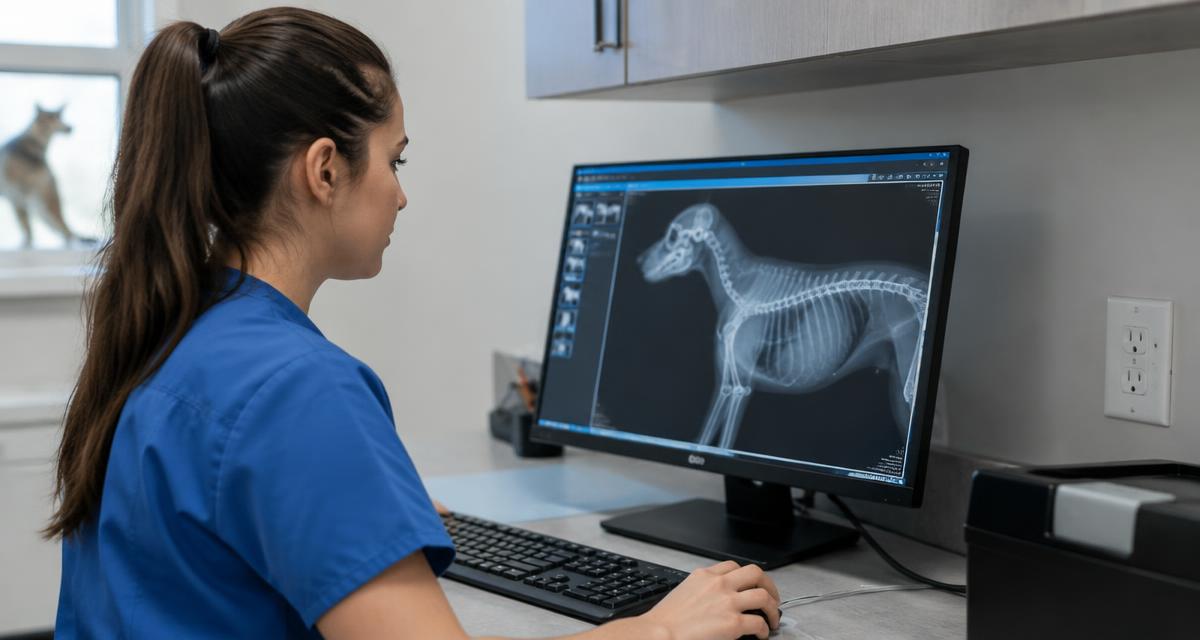
The mechanics of veterinary teleradiology are simpler than most teams expect. Here is the whole path, from the moment the study comes off the table to the moment the report is in the record.
Step 1: Acquire the Study
Images are taken on the clinic's own equipment. Orthogonal views, correct left and right markers, and a field of view that includes the area of interest do more for report quality than anything that happens later. The image quality guide covers the details by modality.
Three submission details prevent most avoidable re-reads. Left and right markers need to be visible on every view. Orthogonal projections give the radiologist the geometry to localize findings in three dimensions. And the study should travel as original DICOM rather than a photograph of a monitor, which loses the grayscale depth the radiologist relies on.
Step 2: Add the Clinical Question
Submit signalment, presenting complaint, relevant history and prior imaging, then state the question you want answered. "Vomiting for three days, is there an obstruction" gives the radiologist something to answer directly.
The question changes what the radiologist looks for. A thorax submitted with "three days of coughing, rule out cardiac versus pulmonary disease" gets a read organized around that decision. The same images submitted with no history get a competent but general survey, which takes longer to turn into a plan. Prior imaging matters for the same reason: knowing what a finding looked like last month often changes what it means today.
Step 3: Choose the Priority
- Standard for cases where your day continues normally while you wait.
- STAT for cases that need speed but are not holding the room.
- Wet Read for the moment nothing moves until you have an answer.
The choice is not locked in. If a case changes while it is being read, the Operations Team can move it to a higher priority, so an initial Standard choice can still be escalated. What the choice sets is the clock the radiologist works against: within 24 hours for Standard, within 1 hour for STAT X-ray and Fluoroscopy, within 4 hours for STAT CT, Ultrasound and MR. Wet Read has no stated clock, because the radiologist addresses the submitted questions while the team waits.
Step 4: The Read
A board-certified veterinary radiologist reviews the study. If something in the history or the images needs clarifying, Real-Time Chat carries that question straight to your team on the case itself, in seconds, without a phone call.
A few things happen behind that read that the clinic never has to manage. The study is read by a board-certified radiologist, whichever priority was chosen: Standard, STAT and Wet Read alike. If the images raise a question the history cannot answer, the radiologist asks it directly on the case rather than guessing, and the team answers in the same thread.
Step 5: The Report Lands
The report opens with prioritized diagnoses and recommendations, followed by comprehensive findings. It appears on the platform and injects into the matching radiology order in ezyVet and Instinct where those systems are connected. From there it is ready for the record and for the client conversation.
From there the report is ready to work. The impression at the top gives the front desk the language for the client callback. The recommendations give the treating clinician the next step. And if a statement in the report needs a second look, Real-Time Chat answers it on the same case thread rather than starting a new email chain.
Small Habits That Improve Every Report
- State one specific question per study rather than "interpret, please."
- Send the full study, including the views that look normal.
- Include prior imaging dates in the history when they are relevant.
- Say what decision the report needs to support.
None of these takes more than a few seconds at submission, and together they shorten the gap between the study leaving the table and the plan being made.
Frequently asked questions
Common questions
How are images sent to the radiologist?
Studies are pushed from the clinic's existing PACS or imaging equipment as standard DICOM through a secure upload.
What information should go with a study?
Signalment, presenting complaint, relevant history, prior imaging and the specific question you want answered. The question matters most.
When is the priority chosen?
At submission. Standard, STAT and Wet Read are selected case by case as the study is sent.
Can a case be escalated after it has been submitted?
Yes. Contact the Operations Team and the case can be moved to a higher priority.
How does a clinician ask the radiologist a question?
Real-Time Chat runs on the case itself, with separate conversations between the clinic and the radiologist, the clinic and the Operations Team, and the radiologists and the Operations Team.
Where does the finished report appear?
On the platform, and injected into the matching radiology order in ezyVet or Instinct when those systems are connected.
What happens if images cannot be interpreted?
The radiologist says so and explains what is needed, so the study can be repeated or additional views re-sent.
What file format should I submit?
Standard DICOM, exported from your equipment or PACS. Photographs of monitors and screenshots lose the image data a radiologist needs and should be avoided.
Can additional views be added after submission?
Yes. Additional views can be re-sent to the same case, and the radiologist incorporates them into the same report.
Who do I contact with a question about a case?
The Operations Team, reachable through Real-Time Chat on the case itself or by phone at +1 888-303-7237.
Related reading
Work with us
Board-certified reads, 1 hour STAT X-ray, every day of the year
No contracts, no minimums, and direct access to the radiologist reading your case.
